
Get Ready for Dynamics 365 Business Central 2026 Wave 1 (BC28)!
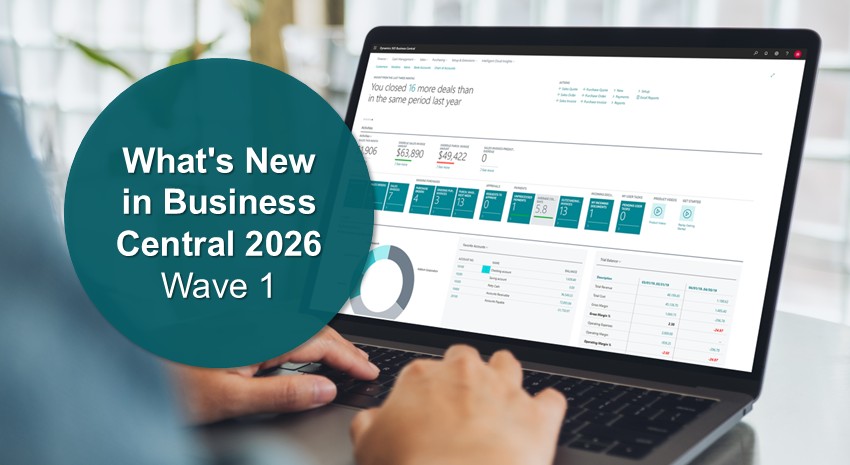
Business Central 2026 Wave 1 (BC28) is being released this month and includes new and updated features that promise to make Business Central easier to use, helping users be more productive.
Here are some of our favorite new features in BC28.
Supply chain
Add pictures to item variants
Users can store images showing item variants, such as different sizes and colors, and make them available using the Variants action on the Item Card.
Add the Description 2 field to various pages
Users can personalize various pages using the Description 2 field. This feature can be used to include additional context descriptions to BOMs, routings, production orders, and more.
Approval workflows for requisition worksheets and item journals
This feature extends approval workflows to include item journals and requisition and planning worksheets. Users can send batches from the Item, Physical Inventory, Output, and Consumption Journals.
Reporting
View user and group permissions from all apps and extensions
Administrators can view permissions across all apps and extensions, including filtering data by object, scope, extension, or permission set, providing a central location to view permissions, conduct security audits, or troubleshoot issues.
Development
AL developers can search on data and metadata using semantic search
AL developers can search by similarity to the search term using the new codeunit, “Semantic Data Search”.
Enable Troubleshooting MCP Server for AL
Lets developers use runtime data at breakpoints or errors to troubleshoot MCP Server issues and determine which entries triggered a failure during AL debugging.
Evaluate AL coding agents with BC-Bench
Developers can use the BC-Bench benchmarking framework to help determine which improvements to agent performance are most effective in real-world situations.
Copilot and agents
Get item insights with advanced KPIs and Summary
Copilot provides useful KPI information from the new Item Statistics page. Some of the new KPIs available include inventory valuations, such as current inventory value and expired inventory value, and sales performance, including percentage sales growth rate, net sales, and gross margin. A word of caution: This feature comes with a warning box that states, in part, “AI-generated content might be incorrect.”
Manage tasks from all agents in a dedicated task pane
This feature helps users who rely on AI-driven workflows, such as accountants, salespeople, and managers, display all tasks generated by the agents from a single location.
Review content generated by agents directly on pages
Users can review and approve content generated by agents directly on the pages where they work, keeping the review process within the page context.
Show avatars for record creators and modifiers in lists
This feature facilitates traceability by making it easier to identify which user or agent created or modified a record without opening the record.
Stop all active tasks for a selected agent
This feature lets users stop all active tasks for a selected agent.
Use AI resources for your Copilot extensions
This feature makes it easier to set up and secure AI capabilities. Includes scaling and throttling resources along with tracking and billing for AI resource consumption.
Other notable new features
Other significant changes include the ability to create purchase orders directly from sales orders that are set up for drop-shipment, reverse drop shipments, and match invoice lines to relevant purchase order lines and receipts.
There are several enhancements to Shopify connectivity, including the ability to organize products into logical groups, synchronize product variant images with Shopify, and access to the latest Spotify API.
In addition, the Quality Management extension lets you control when quality checks are performed, specify the parameters of the quality check, define quarantine procedures, generate quality status reports, and provide quality certificates.

Items being deprecated
API v1.0: One of the most important changes in this release is that API v1.0 will be deprecated in BC v28. This API is used to connect Business Central to external systems, such as eCommerce platforms, Power Platform applications (including Power Apps, Power Automate, and Power BI), Azure Data Lake, and CRM integrations. Users, administrators, and developers are urged to migrate to API v2.0.
BC 2025 Wave 2 connector’s API expires June 30, 2026: In 2025 Wave 2, Microsoft updated the Shopify Connector to use a specific Shopify API version, which will only be supported through June 30, 2026.
From Microsoft: “The Shopify Connector released in 2025 release wave 2 (October 2025) relies on API 2025-07, which is supported until June 30, 2026. To continue to use your integration, upgrade to the latest version of Business Central before this date.”
Learn more
2026 Wave 1 adds greater security, auditability, and development features that promise to make working with Business Central much easier for users, developers, and administrators.
Check out Microsoft’s preview page for a complete list of the features included in this release.
Contact ArcherPoint by Cherry Bekaert to learn more about this new release. ArcherPoint also offers help with Business Central upgrades and software updates.
Trending Posts
- Login Error: Communication protocol mismatch between client and server
- How to Make Measures Total Correctly in Power BI Tables
- The Microsoft Technology Stack – What Is It & Why Should You Care?
- MRP vs. MPS: Choosing the Right Planning Approach for Your Manufacturing Business
- Designing a Connected Student Engagement Technology Stack
Stay Informed
Subscribe to Communications
"*required" indicates required fields