
Create a Power Automate App for Machine Event Reporting and Export to SharePoint List

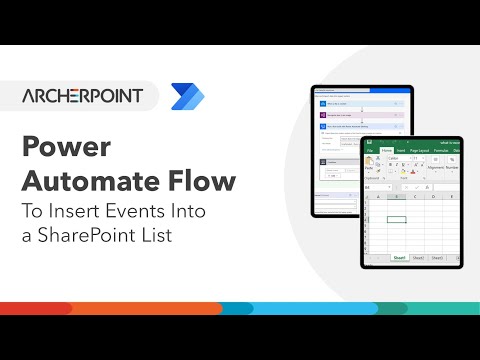
Jessie Wang, a Dynamics 365 Consultant at ArcherPoint, provides a video demonstration on how to use a Power Automate App for machine event reporting on the shop floor, record events from multiple work centers, and exporting plant floor data to SharePoint Lists. The video details the benefits of Power Automate, and how it allows you to visualize operations data in Dynamics 365 Business Central and export machine data to SharePoint. With this kind of reporting in place, plant managers and executive management can review production, set up milestones and view operational trends.
Contact ArcherPoint for assistance, and be sure to learn more about Business Central by viewing other How-To videos or reading more How-To blogs from ArcherPoint.
Trending Posts
- Login Error: Communication protocol mismatch between client and server
- How to Make Measures Total Correctly in Power BI Tables
- The Microsoft Technology Stack – What Is It & Why Should You Care?
- MRP vs. MPS: Choosing the Right Planning Approach for Your Manufacturing Business
- Designing a Connected Student Engagement Technology Stack
Stay Informed
Subscribe to Communications
"*required" indicates required fields