
CPQ software benefits to manufacturers
What is CPQ?
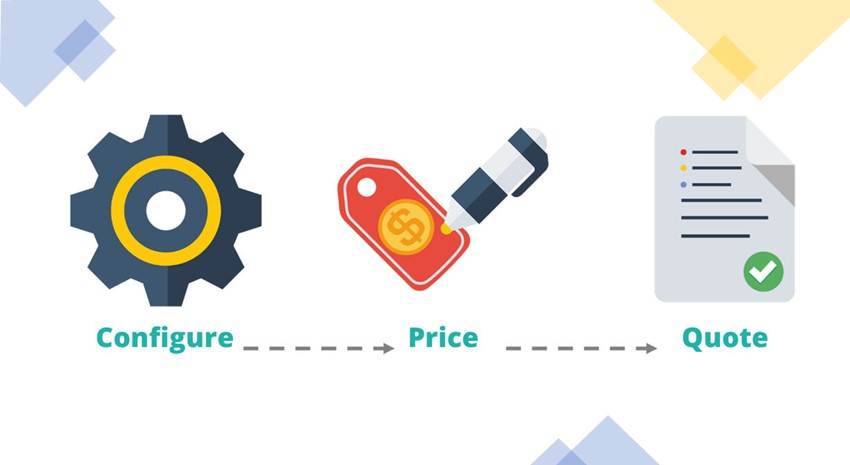
If you are a manufacturer of complex and/or configurable products, you are likely already using, or looking for, a CPQ system. Configure, Price, Quote software helps companies accurately define the price of goods when variables are numerous and dependencies create complexities in pricing and assemblies available to the end customer.
Benefits of CPQ Software
Configure, price, quote software solutions provide a plethora of benefits, particularly for make-to-order or assemble-to-order companies:
- Increased productivity for both engineering and sales
- Guided selling
- Accurate quotes
- Higher customer satisfaction
- Cost/price management
- Reduction in operational costs
- Streamlined production
- Standardized processes
CPQ Software Features
When you are searching for a CPQ solution, at a minimum, you’ll want to look for these features:
- Non-evasive to your ERP, yet integrated
- Ease of creating configuration rules and formulas
- Auto-generation of assembly and production BOMs from sales orders/quotes
- Guided selling
CPQ for Microsoft Dynamics NAV and Business Central
As with most ERP systems, there are multiple CPQ software options available to you, and Dynamics NAV and Business Central are no different. If it’s time to evaluate your options for configure, price, quote technology that works well with your Dynamics ERP, ArcherPoint can help. We work with proven solution providers and can help you assess your CPQ needs now and in the future to ensure you select the one that’s best for your organization.
Contact ArcherPoint today to learn about your options and schedule a personalized demonstration.
Trending Posts
- Login Error: Communication protocol mismatch between client and server
- How to Make Measures Total Correctly in Power BI Tables
- The Microsoft Technology Stack – What Is It & Why Should You Care?
- MRP vs. MPS: Choosing the Right Planning Approach for Your Manufacturing Business
- Designing a Connected Student Engagement Technology Stack
Stay Informed
Subscribe to Communications
"*required" indicates required fields